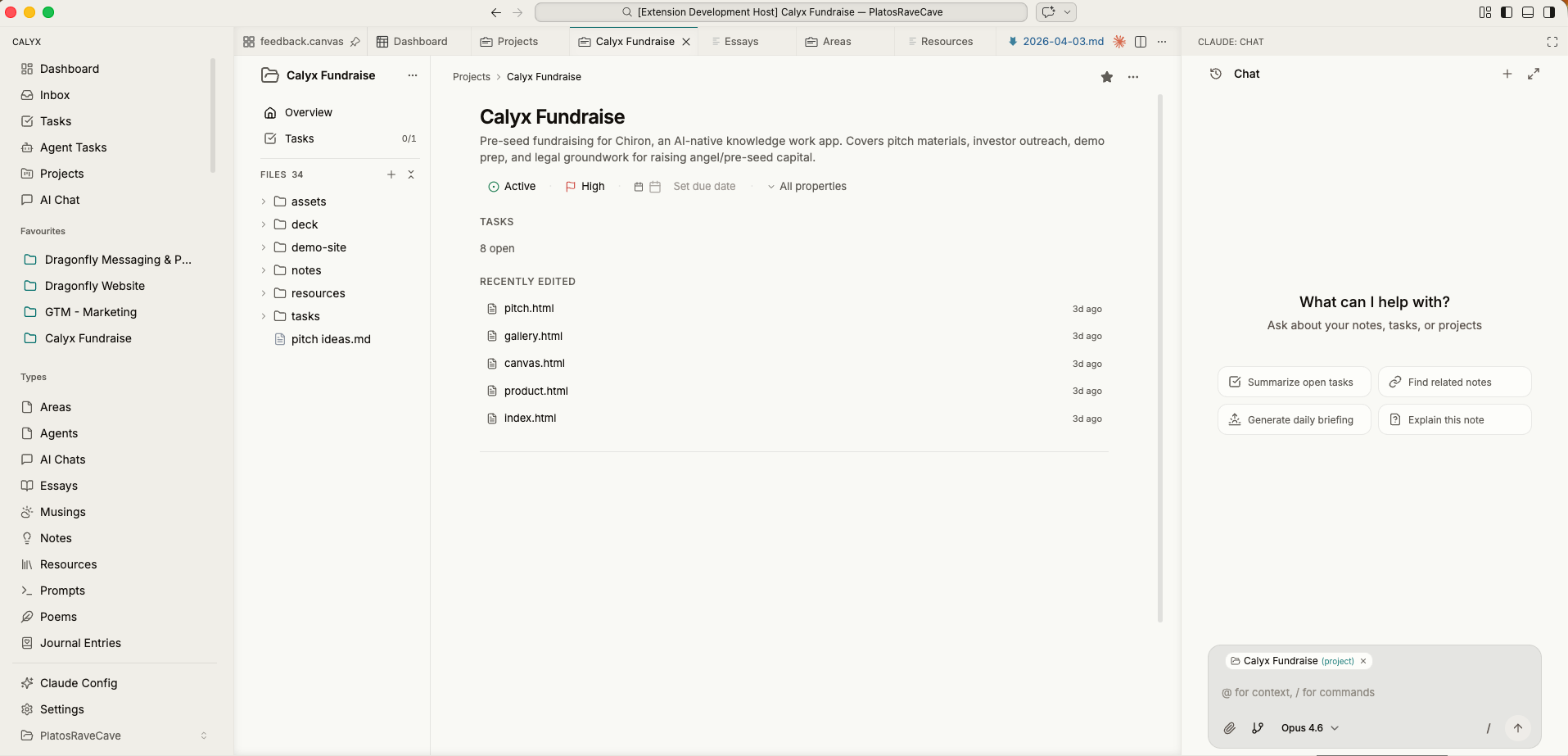
Calyx dashboard with a project overview, tasks, recently-edited files, and an AI chat panel
Dashboard

Your morning starts here.

Open a project and see the shape of your day — tasks, files, agents, AI chat — all on one surface. No context switching. No tab juggling. Everything the project needs lives together.

The left rail is your whole vault. The main panel is what you're working on. The right rail is an agent that already knows your context.
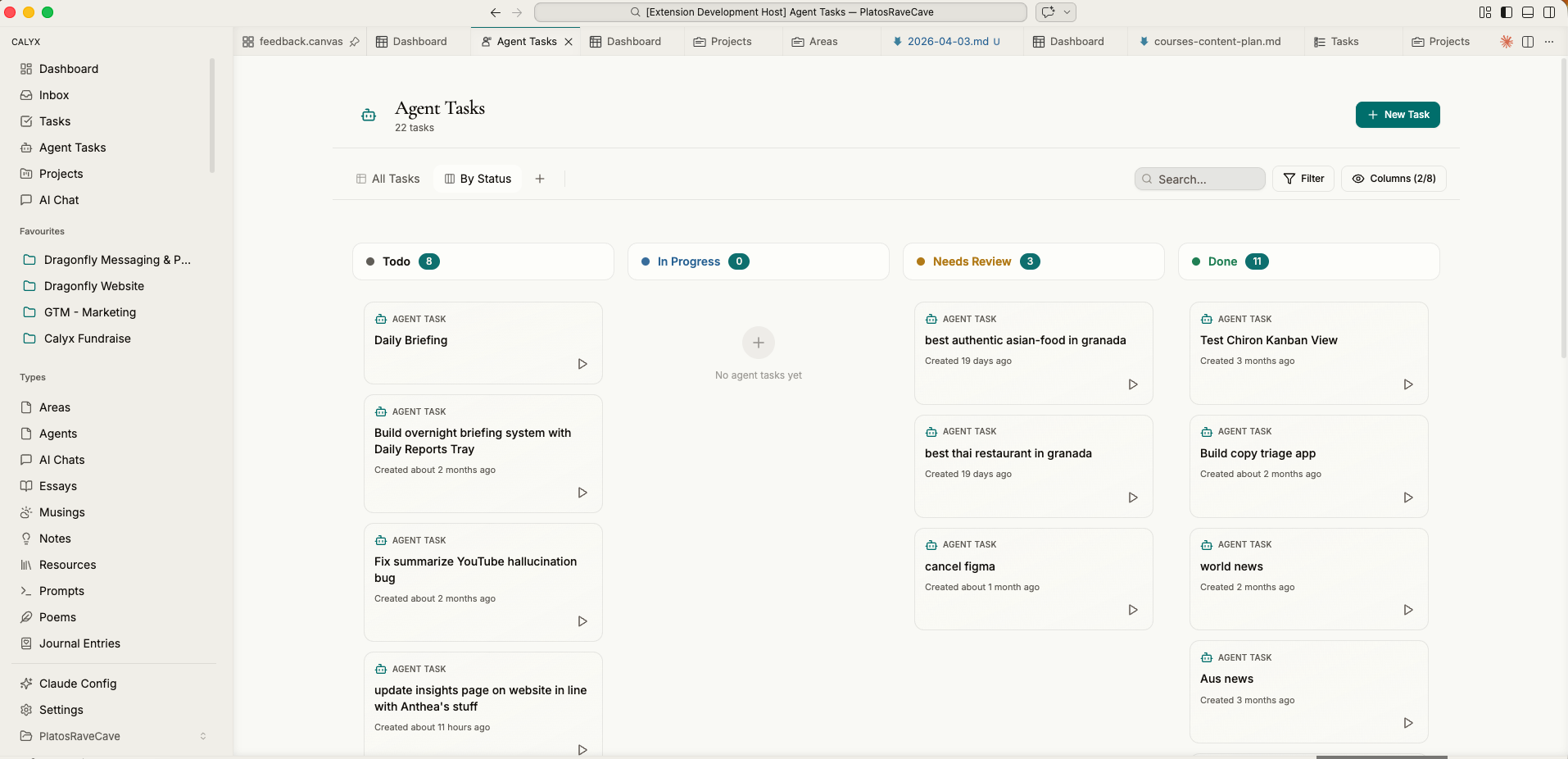
Agent tasks kanban board — Todo, In Progress, Needs Review, Done columns filled with tasks that agents are working on
Agents

A team that never sleeps.

Spin up agents with dedicated roles — a researcher, a writer, a triager, a briefing generator. They run autonomously on a schedule or a trigger and move through the same kanban board as your own work.

Bring your own agent (Claude Code, Codex, whatever comes next) or use the built-in harness with your own API keys. Their output becomes new files, new tasks, new notes — part of the vault.

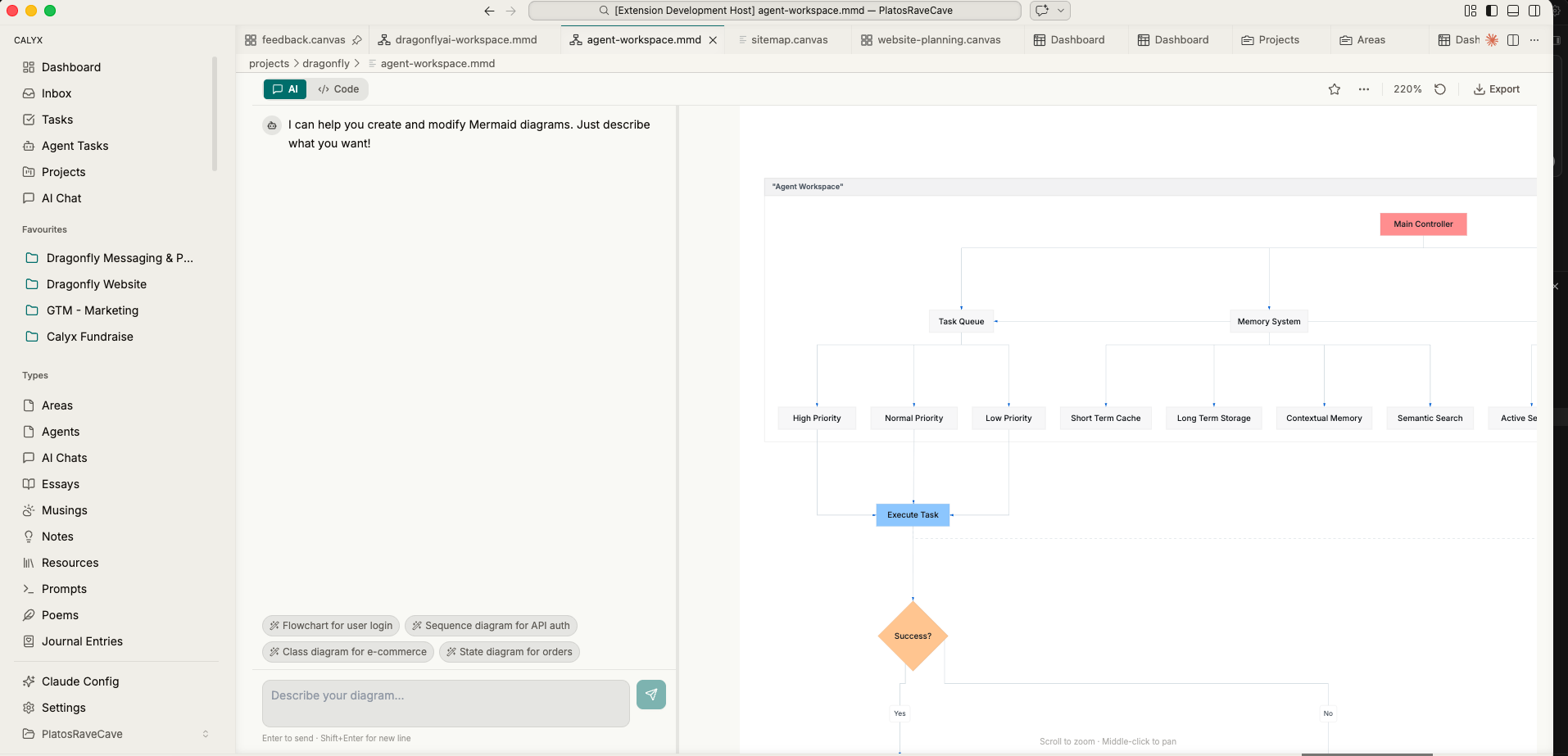
The Mermaid miniapp — a chat-driven diagram builder running as a first-class surface inside Calyx
Miniapps

Apps live inside the workspace.

Miniapps turn Calyx into a platform. A diagram builder. A video editor. A newsletter composer. Each one renders as a native surface next to your files — not a tab switch, not a separate product.

Users build them. Calyx runs them. The moat isn't a feature list — it's an ecosystem that gets deeper every week.

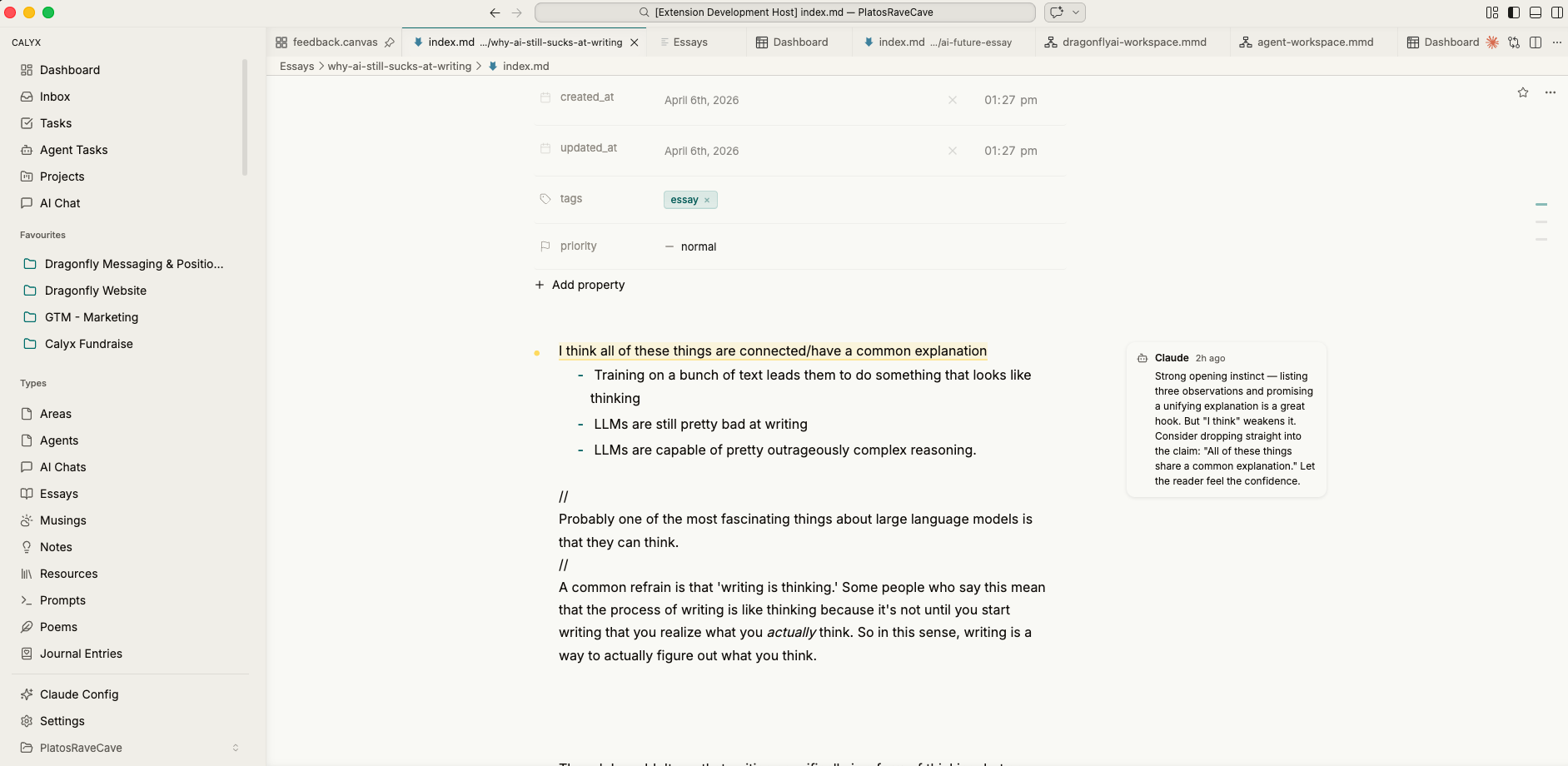
Calyx rich text editor — markdown with wikilinks, block handles, and inline AI assistance
Writing

Markdown, wikilinks, blocks.

Everything writable in Calyx is plain markdown on disk — which means agents can read it, edit it, and create it programmatically. You get rich blocks, wikilinks, embeds, and an AI that lives in the margins.

Your writing is your agent's data. No export. No sync. No proprietary schema.